


Eisenhower Decision Matrix
Frequently Bought Together!
Format: Google Sheets + Excel
Tabs Included: 4 tabs
Delivery: Instant Digital Download
Access: Lifetime, No Subscriptions
License: Personal Use Only
Pairs well with
If you have any questions, you are always welcome to contact us. We'll get back to you as soon as possible, within 24 hours on weekdays.
-
Instand Download
Checkout today and start using your template within minutes — yours to keep forever. No recurring fees!
-
FAQ’s
Have questions? Our FAQ page has you covered.
We’ve gathered the answers to the most common questions about orders, access, and troubleshooting so you can get help instantly.
-
Contact Us
Please check our FAQ page first — most common questions are answered there. If you still need help, just message us here and we’ll be glad to assist.
Why Choose Our Templates
Smart Automation
Templates calculate everything automatically once you enter your numbers.
Beginner-Friendly
Step-by-step instructions and clear layouts make everything easy.
Instant Setup
Plug in your data and start using the templates within minutes.
Lifetime Access
Enjoy free updates and improvements for your templates forever.
Product details
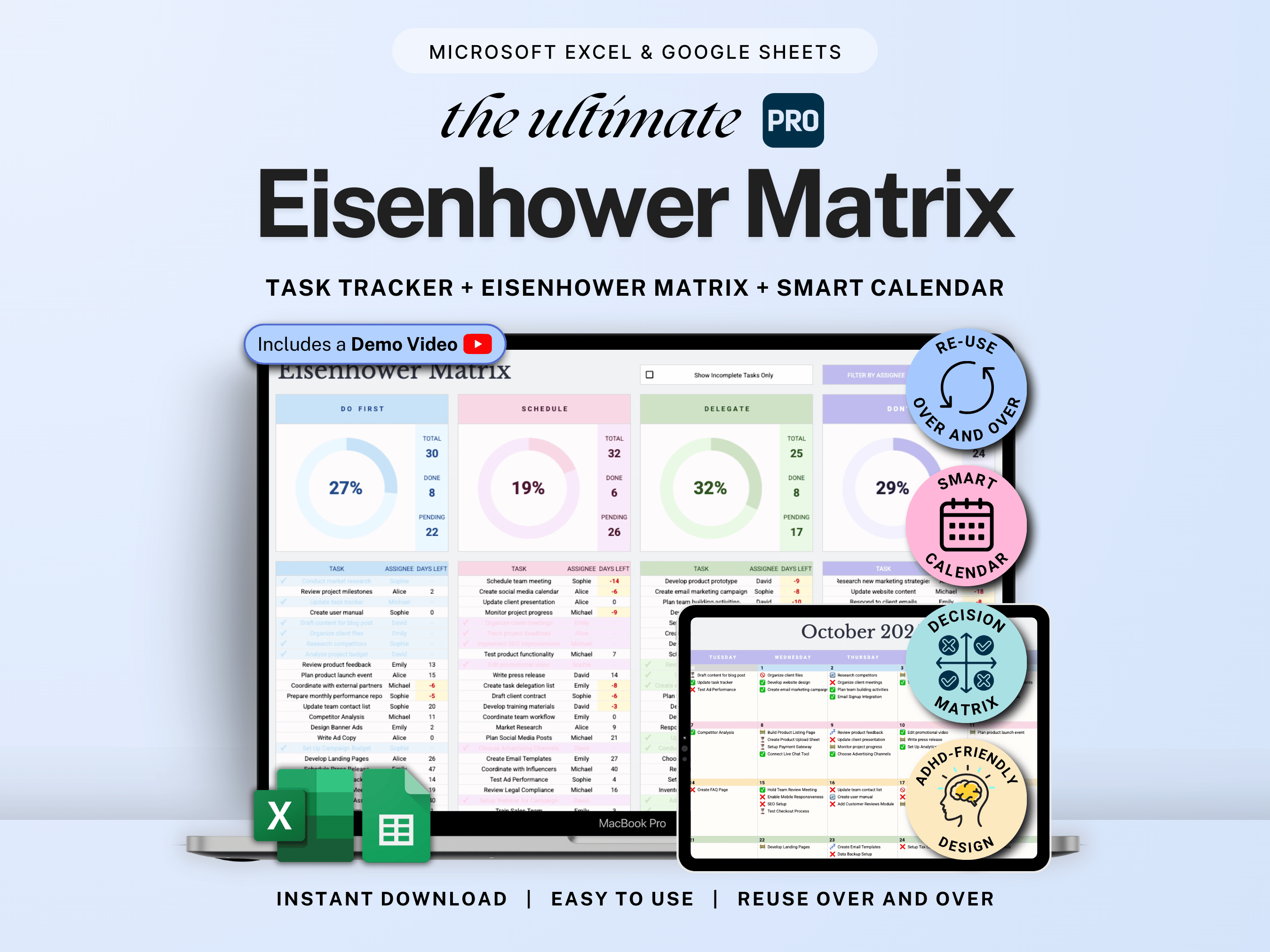
Take control with our Decision Matrix Pro spreadsheet — a powerful productivity spreadsheet designed to help you prioritize tasks and manage time effortlessly.
Featuring a built-in smart calendar 📅, plus filter and sort options 🔍 for easy task tracking and team management. Stay organized, track progress, and make smarter decisions — all in one clean, customizable spreadsheet.
• Built for solo use or teams
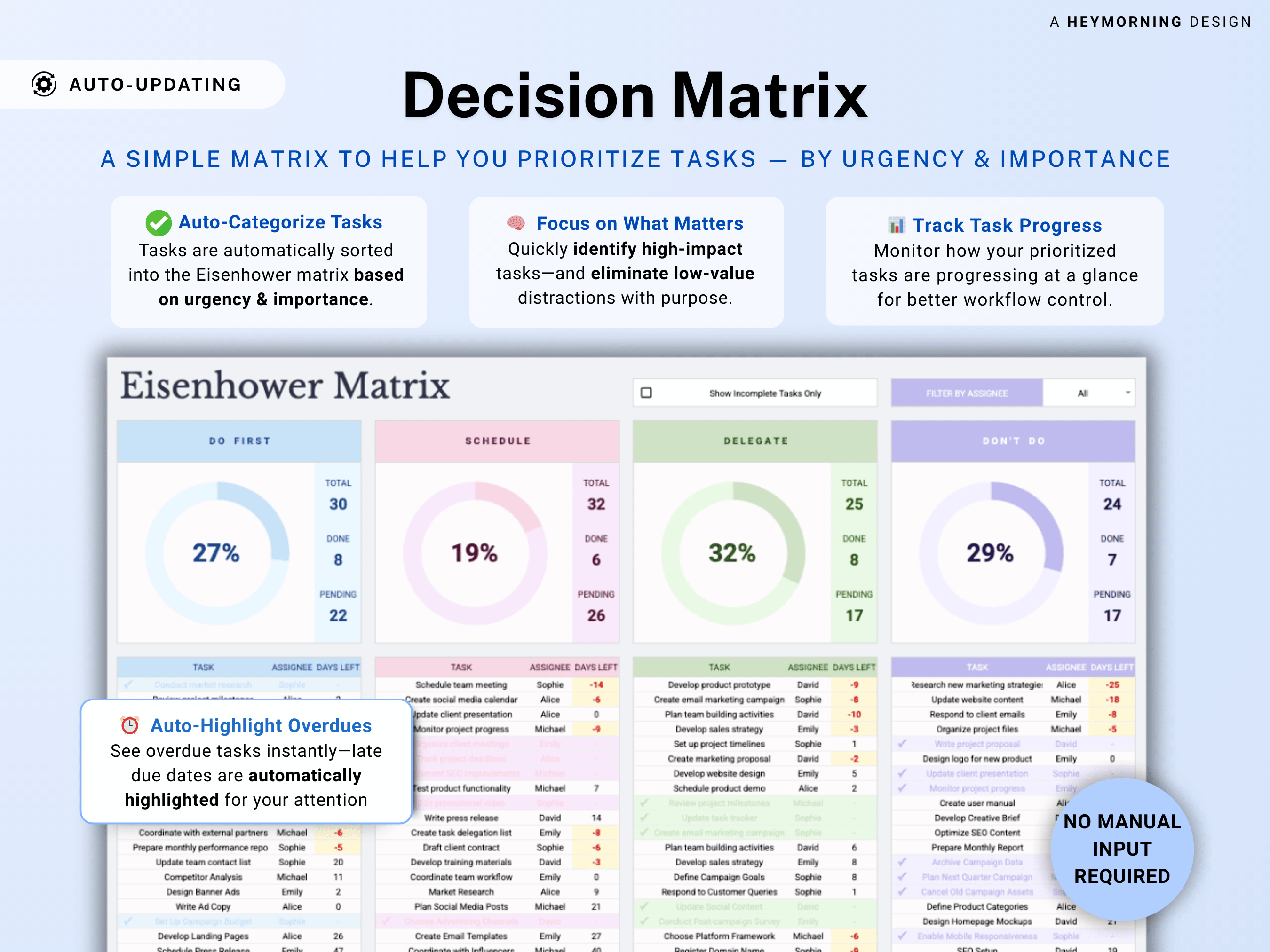
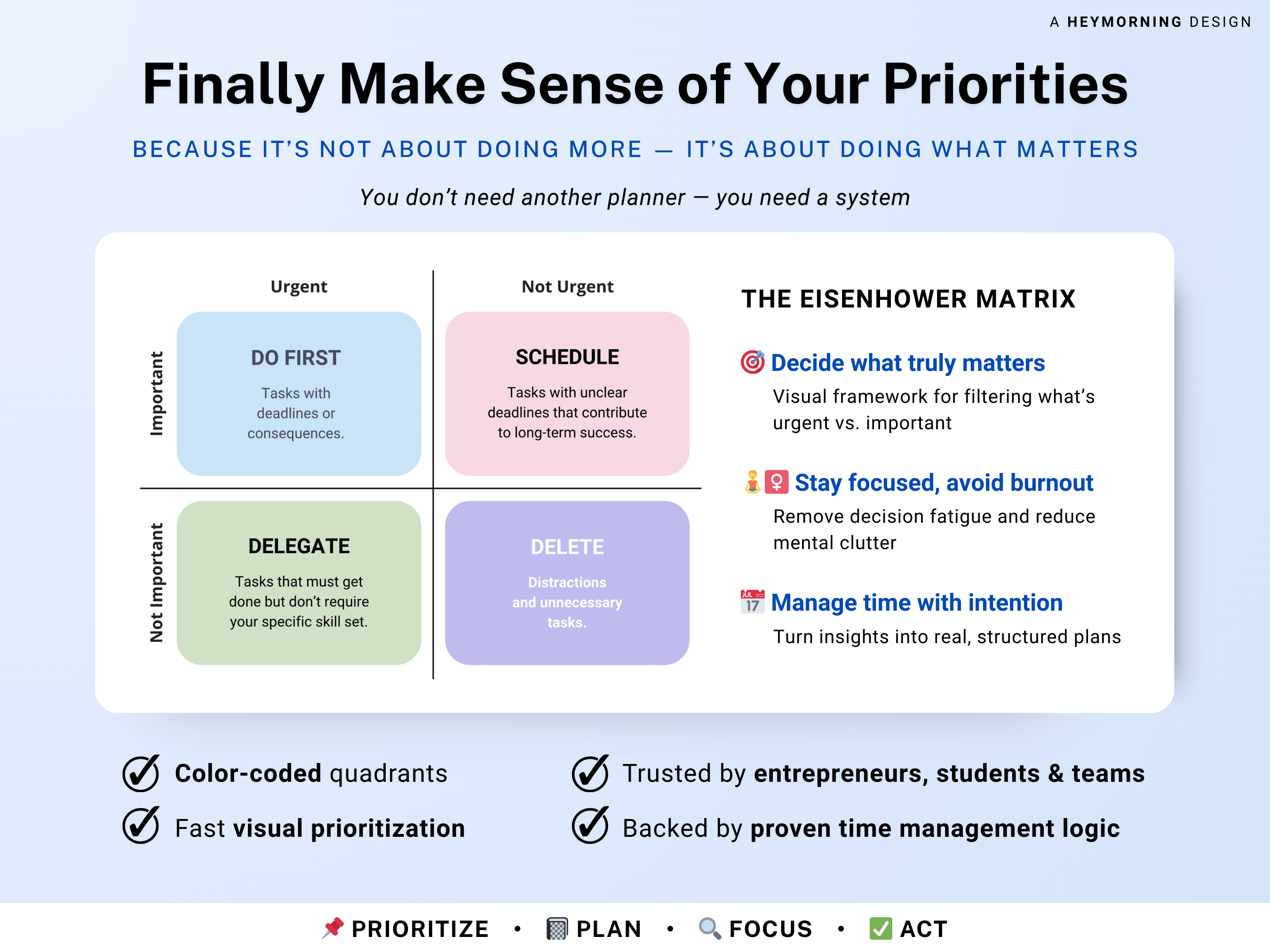
• Master Your Priorities: Automatically sort tasks into Do First, Schedule, Delegate, or Don’t Do
• Boost Efficiency: Spend less time deciding what to work on and more time doing it
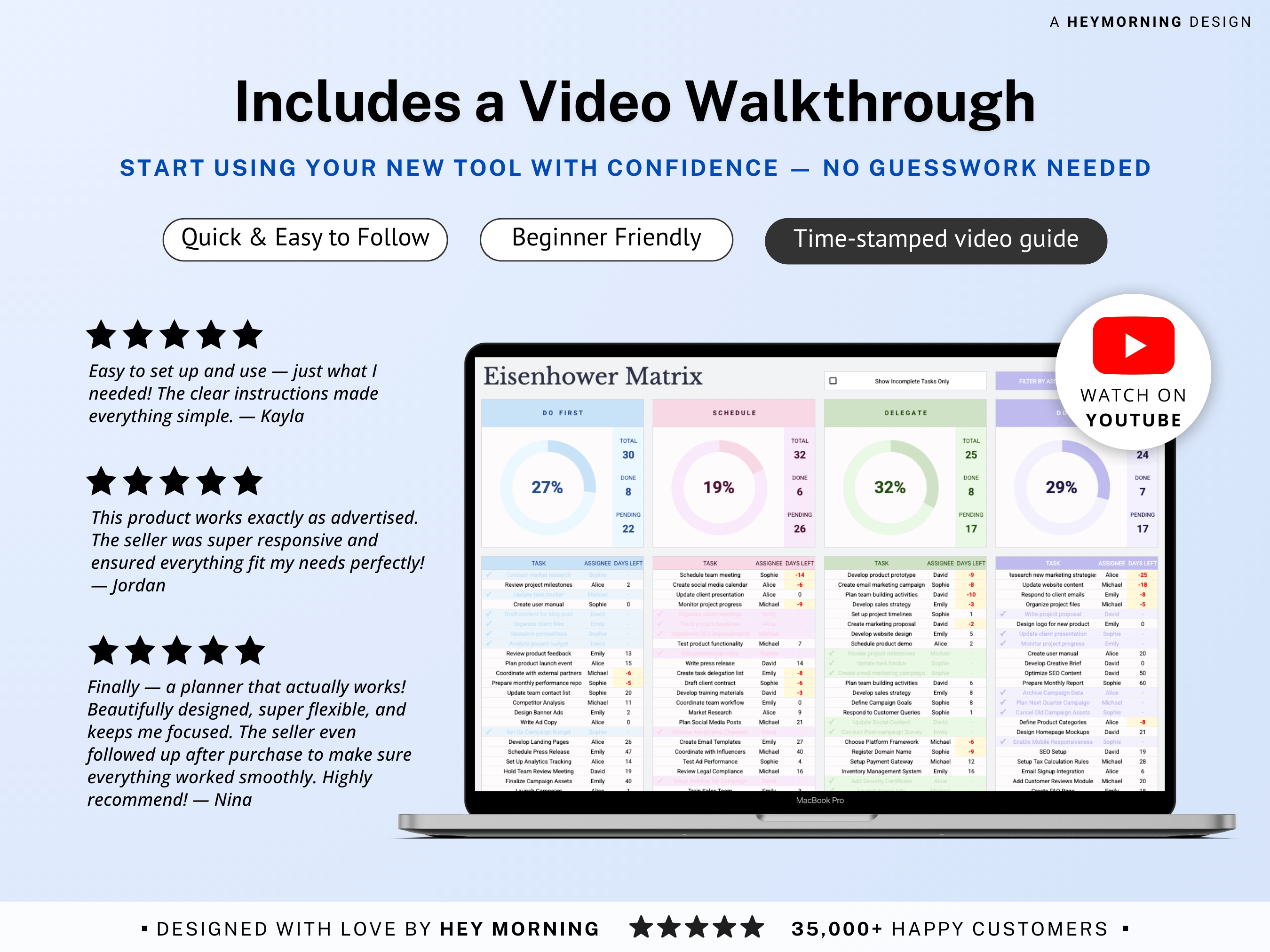
• Visual Clarity: See your workload at a glance with built‑in charts and dashboards
• Flexible & Mobile‑Ready: Syncs seamlessly across devices in Google Sheets
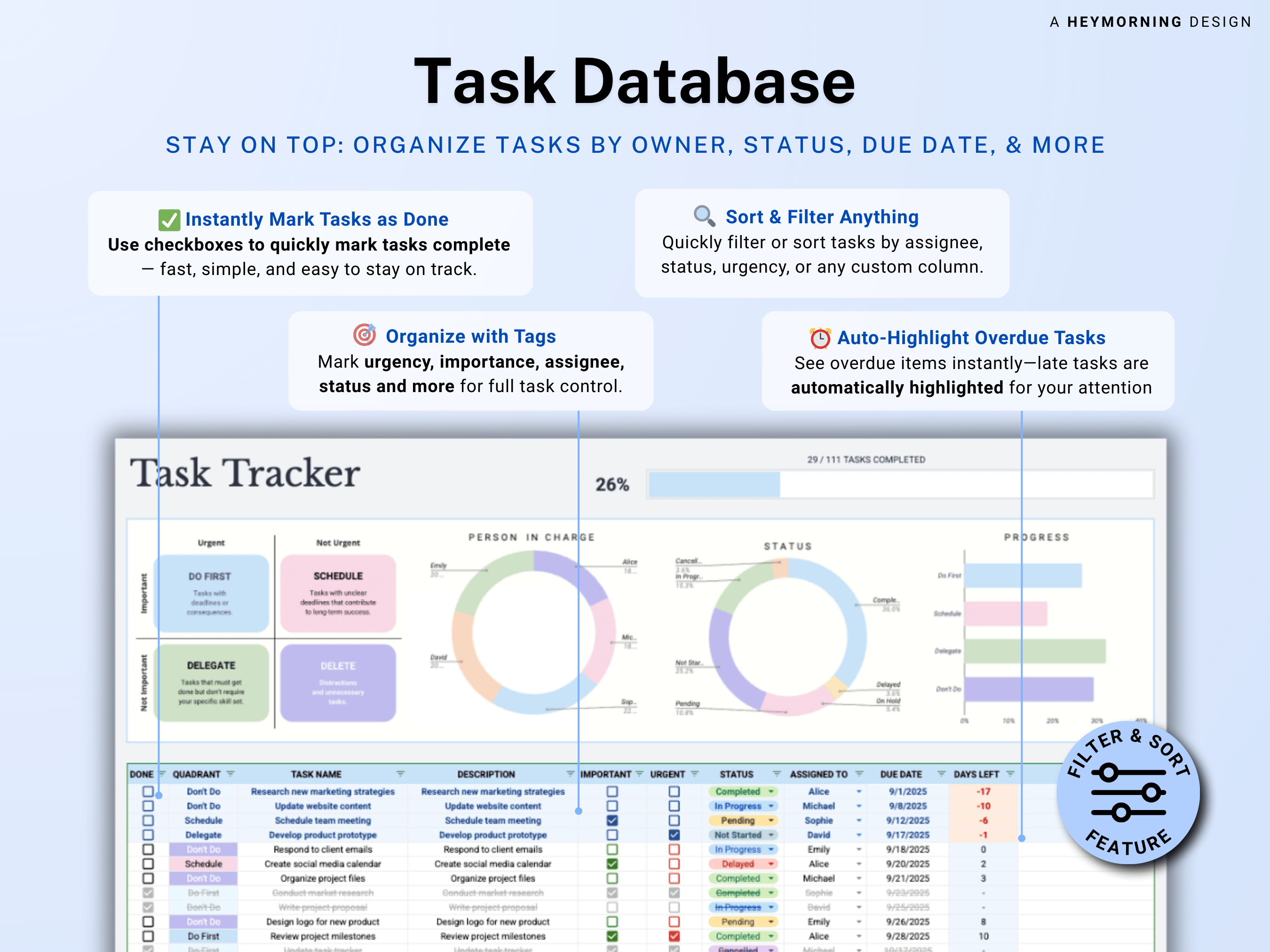
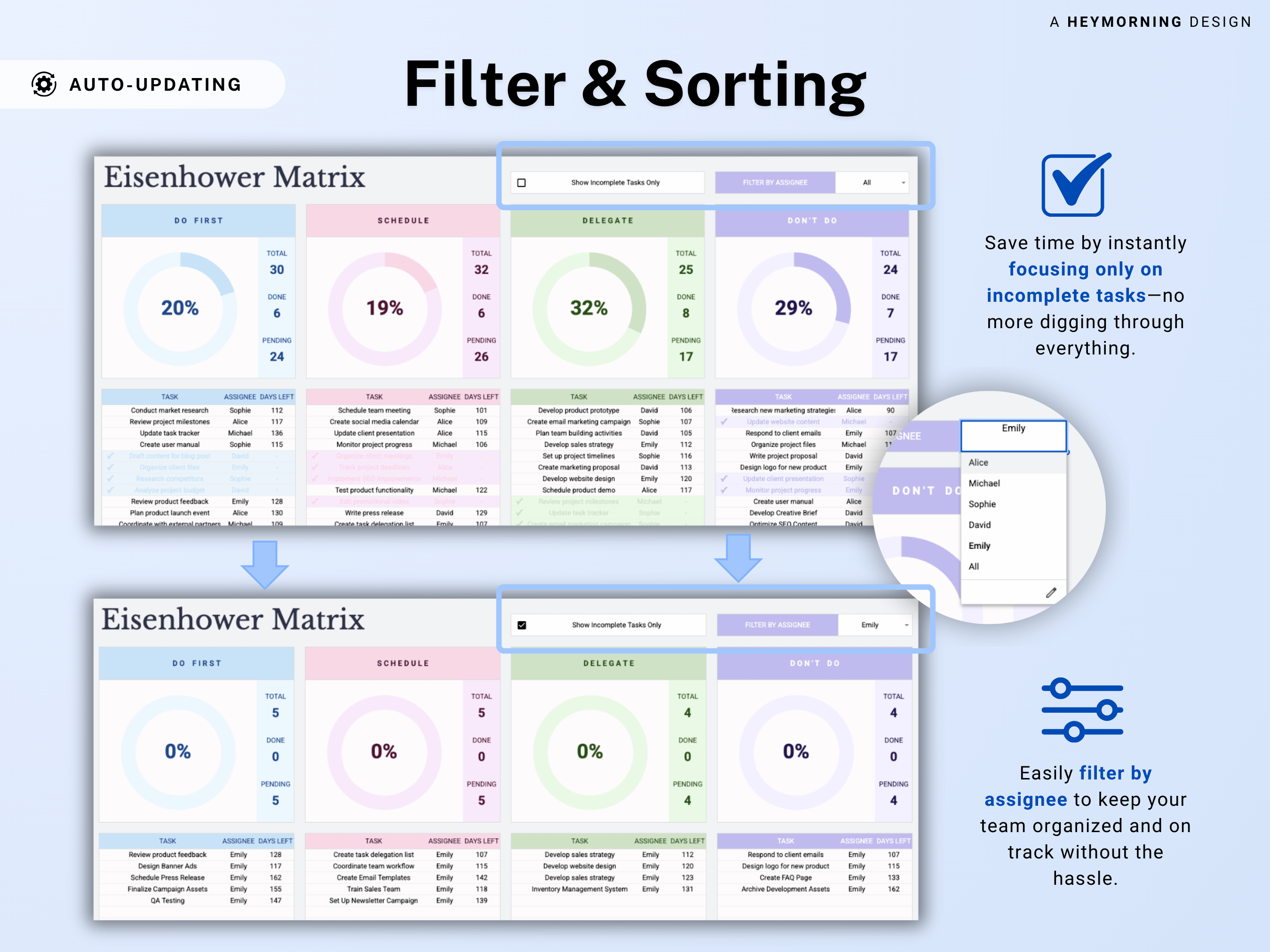
✔️ Smart filters based on task priorities and urgency, progress, assignees, and due dates
✔️Convenient checkboxes to mark off completed tasks
✔️ Interactive Dashboard to see the big picture with live donut charts and stacked bars showing total tasks, percent complete, pending items, team workload etc.
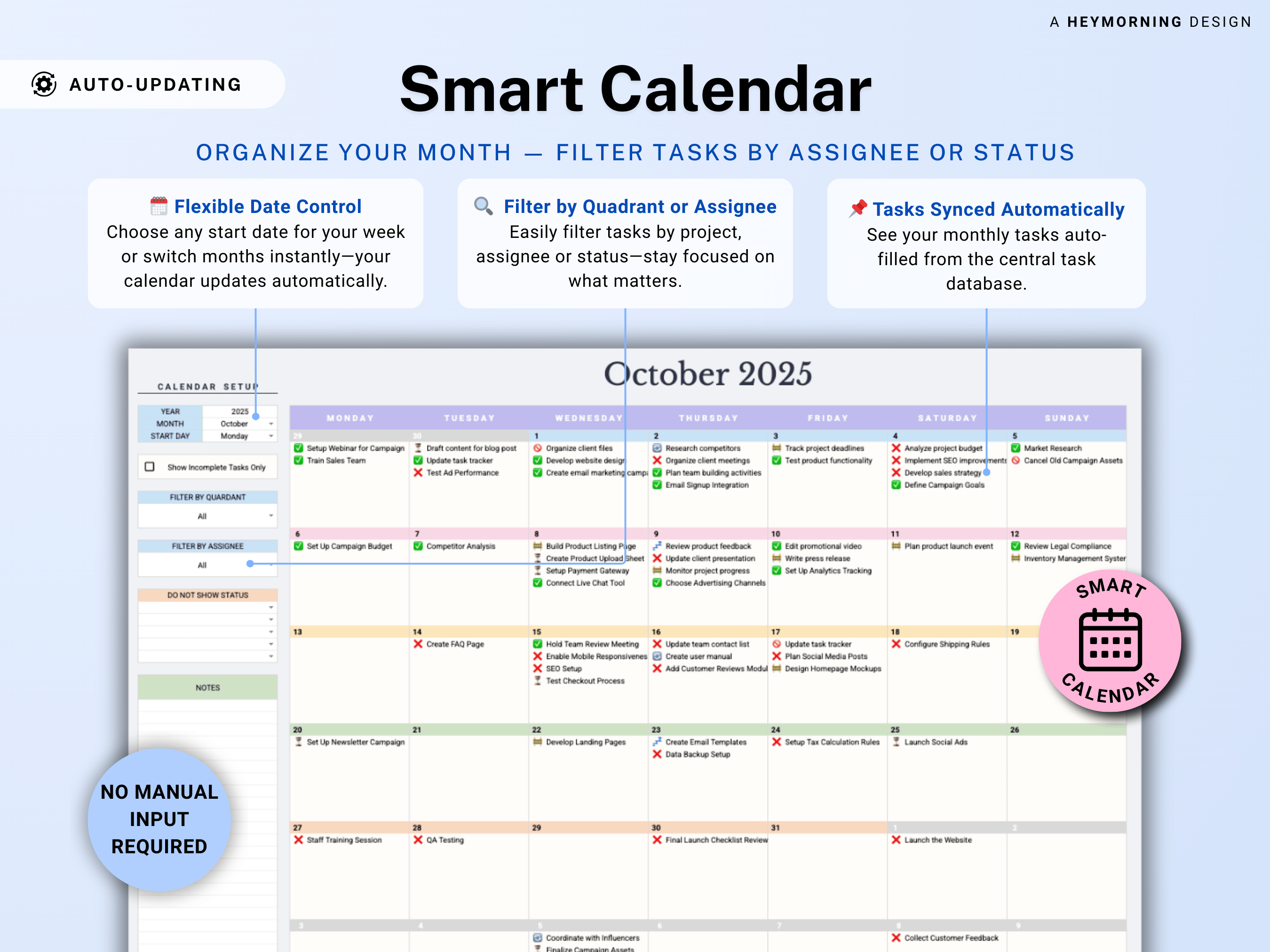
✔️ Automated calendar with a view of your tasks and smart filters
✔️Print‑Friendly Layouts: One‑page matrix and weekly planner views ready for paper or digital sharing
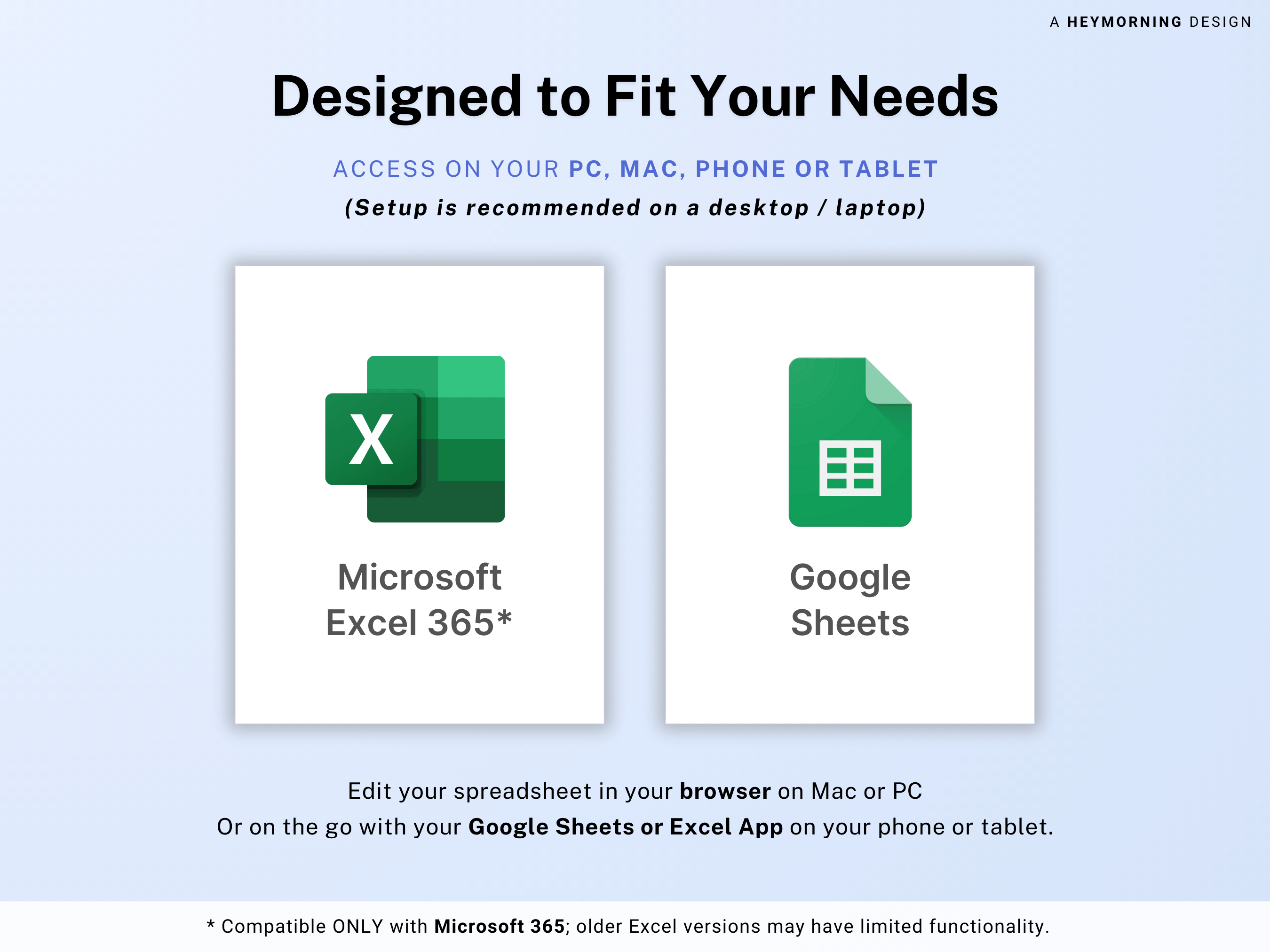
✔️ Multi-device compatibility: • Works with any device —desktop, tablet, or phone.
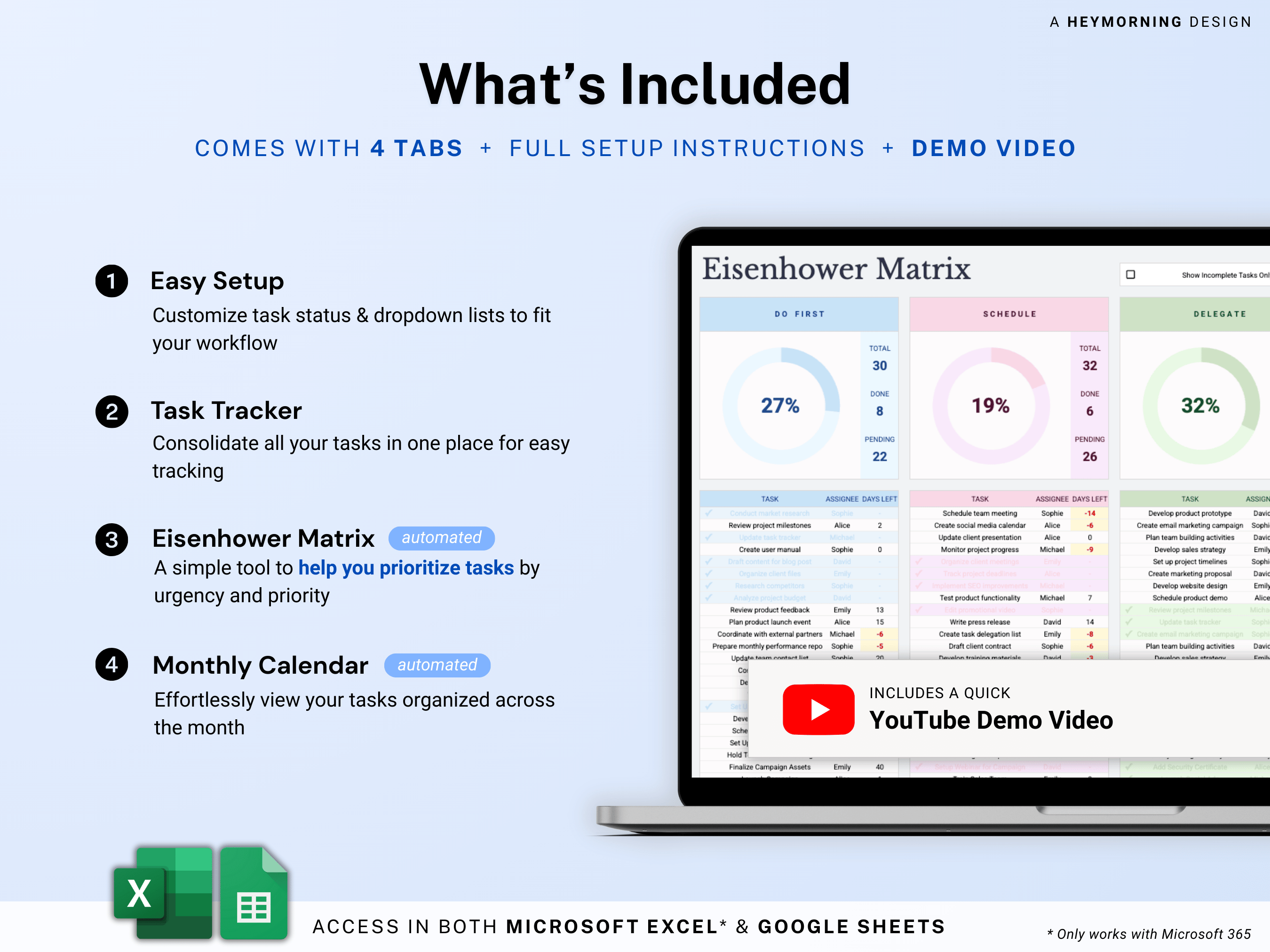
WHAT’S INCLUDED
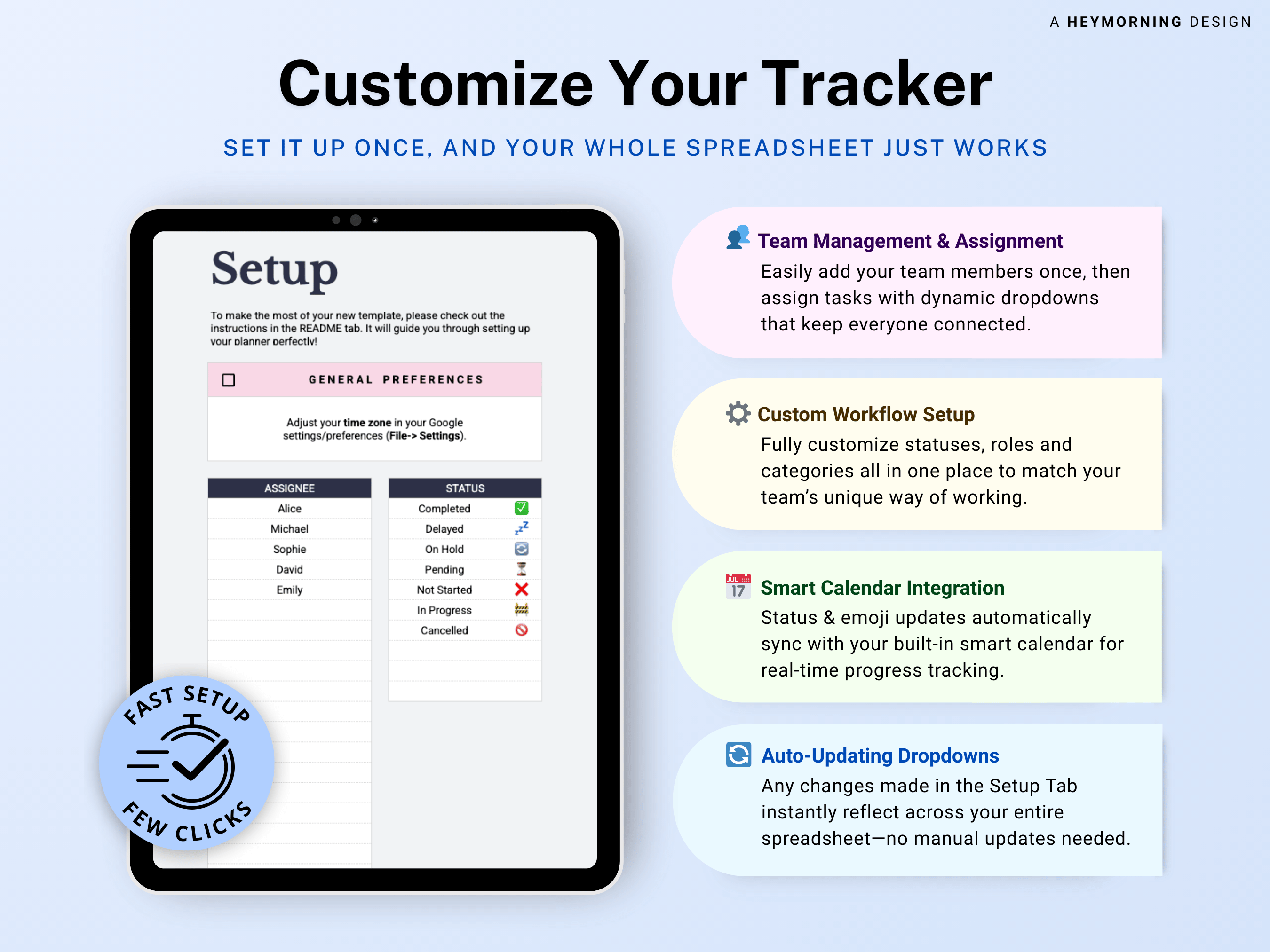
• Start tab to set task collaborators and statuses
• Task tracker with a capacity of up to 1,000 tasks with automated charts and formulas
• Automated Eisenhower Matrix with smart filters
• Smart calendar view of your tasks
• Easy set up with written step-by-step guide and video tutorial
Key Benefits
Who It's Perfect For
What's Included
Important Notes
Copyright Notice
Here's How It Works
Purchase
Once your payment is cleared, your files will be instantly available for download.
Download
For Google Sheets, open the PDF and click the link to make your own copy. For Excel, just open the file directly.
Start Using
Follow the simple instructions to set up, personalize, and begin organizing in just minutes.
Can’t Pick Just One? Bundle & Save
Mix and match your favorite templates, unlock extra savings, and get everything you need in one go.







Your bundle
FAQ
Please visit our FAQs page for more information
Do I need to pay a monthly subscription?
How do I download my template after purchase?
Do your templates come with instructions or support?
Can I request a refund if I'm not satisfied with the product ?
Can I share or resell the template?
Smart Automation. Clear Results.
Prebuilt to Keep You Organized
Plug-and-Play Templates
Guided Setup Included