
At the beginning of every semester, most students do the same thing.
They open Google Calendar, add their class schedule, drop in a few deadlines, maybe pair it with a to-do list app, and feel relieved — finally organized.
And for a few weeks, it works.
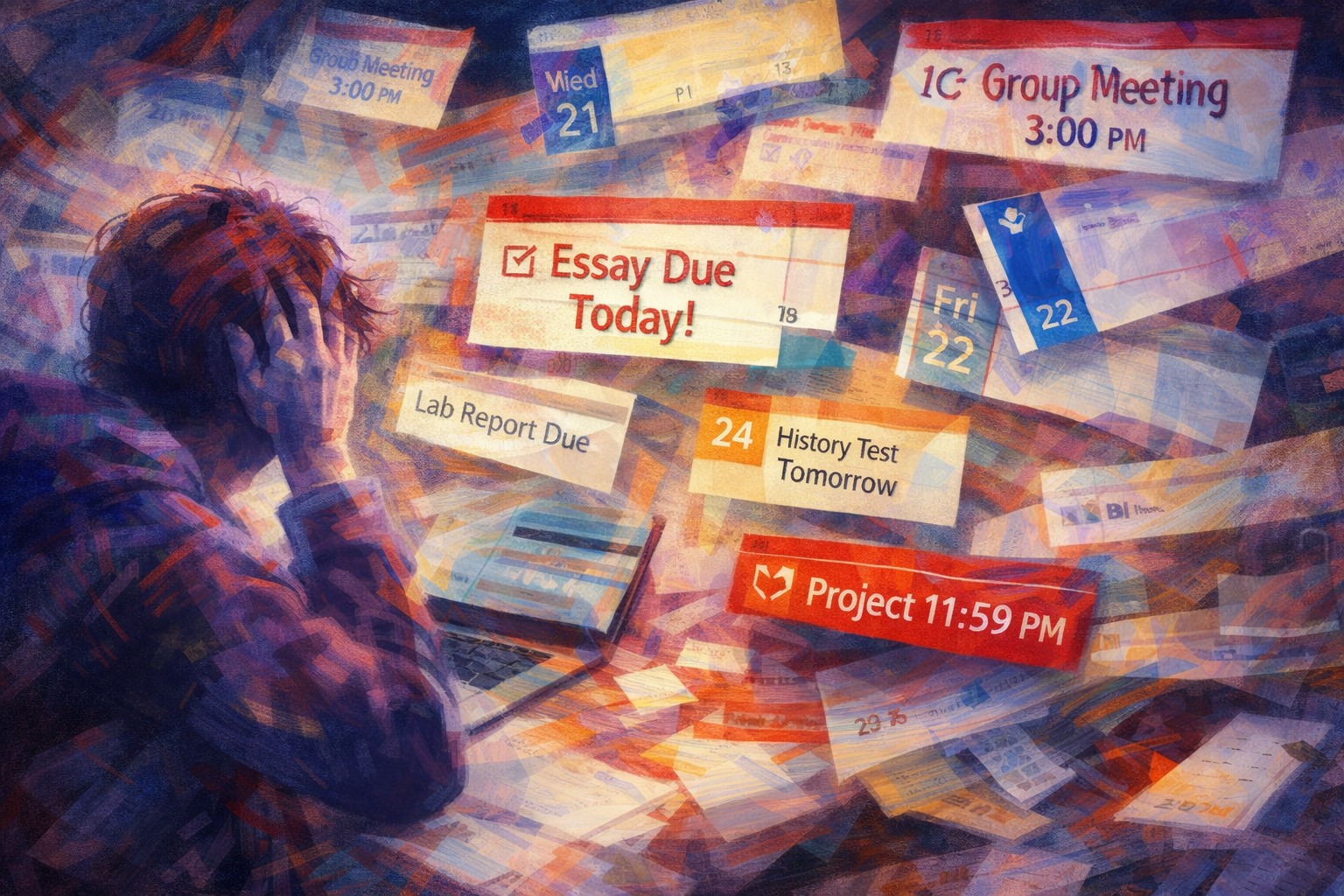
Then midterms hit. Assignments overlap. Group projects appear out of nowhere. Long-term papers sit quietly in the background while short deadlines scream for attention.
Suddenly, the system that looked “simple” starts to feel heavy.
Not because you’re bad at managing your time — but because calendar apps and to-do lists were never designed to manage academic work as a system.
The Hidden Problem No One Talks About: Fragmentation
Most students don’t rely on just one tool.
They use Google Calendar to remember dates. A to-do list to track tasks. Sometimes notes or reminders somewhere else.
Individually, each tool makes sense.
Together, they create a fragmented workflow.
You check your calendar to see what’s due, switch to your to-do list to decide what to work on, then jump back to your calendar to double-check dates. This constant back-and-forth forces your brain to keep reloading context.
Over time, this context switching becomes exhausting — and that’s when deadlines get missed, not because you forgot, but because the system itself is mentally draining.
Why Google Calendar Breaks Down for Assignments
Google Calendar is excellent at answering one question: What happens on this date?
Assignments demand much more than that.
When you’re managing coursework, you’re constantly asking things like:
Which class is this for? Is this urgent or flexible? Is it already overdue? What should I focus on today, not just what’s coming up?
Trying to answer those questions inside Google Calendar usually means workarounds — multiple calendars, color coding, long event titles, manual updates.
It can be done.
But at that point, you’re no longer tracking assignments — you’re maintaining the tool.
Why To-Do Lists Don’t Fix the Issue Either
To-do lists help you capture tasks. They don’t help you see your workload.
Most to-do apps treat assignments as isolated items rather than parts of a semester-long system. They rarely show how tasks relate to each other across classes, weeks, or priorities.
As a result, students end up duplicating effort — checking dates in a calendar while managing tasks somewhere else.
More tools. More switching. More mental noise.
What Works Better: One Dataset, Multiple Views
This is where an assignment tracker spreadsheet works differently.
Instead of spreading information across multiple apps, everything starts from a single source of truth. You log each assignment once — including class, deadline, priority, and status — and the system does the rest.
From that same data, you can instantly view your workload by class, filter by priority, focus only on what’s due today, or see everything laid out on a calendar.
Nothing needs to be copied. Nothing needs to be synced. When something changes, every view updates automatically.
This kind of flexibility is extremely difficult to replicate inside traditional calendar apps without constant manual work.
Assignment Tracker Google Sheets & Excel: Stay on Top of Every Deadline
Why This Reduces Stress — Not Just Missed Deadlines
The biggest benefit isn’t simply “better organization.”
It’s cognitive relief.
When your system clearly shows what matters now, what can wait, and what’s already overdue, your brain stops holding everything at once. You don’t need to constantly check apps or mentally rehearse deadlines throughout the day.
You open one place, see the full picture, and move on.
That reduction in mental load is what allows many students to focus better, study more efficiently, and feel less overwhelmed during busy weeks.
Calendar Apps Aren’t Bad — They’re Just Not Enough
This isn’t about choosing the wrong app.
Calendar tools are great for fixed events like classes and meetings. To-do lists are useful for quick task capture.
But academic work requires structure — filters, prioritization, long-term visibility, and context — all working together.
That’s why many students eventually move away from juggling tools and toward a more integrated system that’s actually designed for how assignments work.
A More Integrated Way to Track Assignments
If you’re tired of bouncing between apps and still feeling unsure about what to work on next, an all-in-one assignment tracking system can make a real difference.
Not by adding complexity — but by removing friction.
Everything lives in one place. Every view stays consistent. And instead of managing tools, you can focus on your actual work.
Social Media Content Planner: A Simple Way to Plan & Visualize Content Across Platforms
How I Plan 30 Days of Social Media Content in One Spreadsheet